
Manual processing of supplier order confirmations is a silent killer of operational efficiency, leading to mismatched delivery dates and incorrect pricing that only surface when it is too late.
The hidden risks of manual confirmation handling
When a purchasing manager sends an order, the process is only half finished. The supplier returns an order confirmation (OC) that often contains subtle changes: a delayed delivery date, a price hike, or a partial shipment. If these details aren't immediately updated in your ERP, your production planning and sales promises are based on false data.
Manually checking every line item against the original purchase order is tedious and prone to human error. In high-volume environments, many teams simply 'assume' the confirmation matches the order, only to face stockouts or invoice discrepancies weeks later.
Why OCR is no longer enough
Traditional Optical Character Recognition (OCR) often fails with supplier confirmations because every supplier uses a different layout. One might put the delivery date at the top, another at the bottom, and a third might only list it per line item. GenAI-powered automation understands the context of the document, regardless of the format, ensuring that the data extracted is accurate every time.
Streamlining the reconciliation process
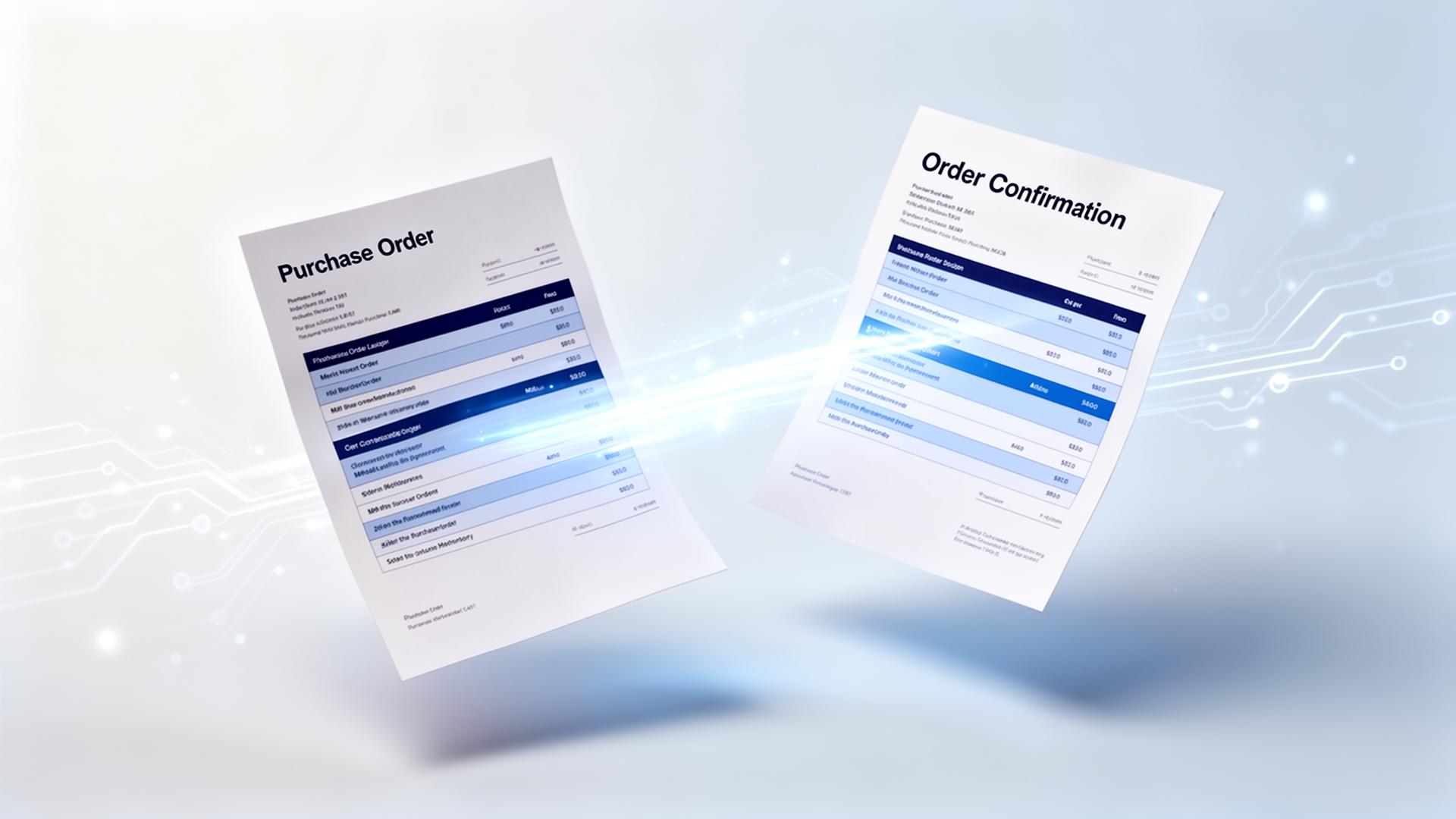
Automation does more than just read text; it performs a three-way check. It compares the supplier's confirmation against your original purchase order. If the price, quantity, or date matches within your set tolerances, the system updates the ERP automatically. If there is a significant discrepancy, it flags it for immediate review.
- Date validation: Ensure production schedules are realistic.
- Price monitoring: Catch inflation-driven price hikes before they hit your margins.
- Quantity checks: Identify backorders before they cause line stops.
| Aspect | Manual / status quo | With ENTR |
|---|---|---|
| Processing Speed | 5-10 minutes per document | Seconds per document |
| Data Accuracy | High risk of typos or missed dates | 99%+ extraction accuracy |
| Discrepancy Detection | Often missed until invoicing | Instant alerts on mismatches |
| ERP Integration | Manual typing and clicking | Direct, automated sync |
| Scalability | Requires more staff as volume grows | Scales without extra headcount |
Reducing the 'Bullwhip Effect'
When confirmation data is delayed, the entire supply chain feels the ripple effect. Production managers schedule labor for parts that haven't arrived, and sales reps promise delivery dates to customers that cannot be met. By automating the confirmation loop, you gain a real-time view of your inventory pipeline, reducing the need for expensive safety stock.
Focusing on exceptions, not data entry
The goal of automation is not to remove the human element, but to refocus it. Instead of spending hours typing data from PDFs into an ERP system, purchasing teams can spend their time negotiating with suppliers or solving the actual supply chain bottlenecks that the automation has flagged.
Automating your supplier order confirmation handling transforms a back-office chore into a strategic advantage, ensuring your ERP remains the single source of truth for your entire operation.