
If your team still copies orders and invoices from email and PDF into the ERP by hand, there are three categories of AI tools that can take over: classic OCR software, Intelligent Document Processing (IDP) platforms, and generative AI order automation. The right choice depends on your document volume, how much your layouts vary, and how much manual checking you want to keep. Below we explain what each category does, where it falls short, and how to choose.
Why copy-paste work in order and invoice entry persists
Most B2B orders and invoices still arrive as PDF attachments or free-text emails. The ERP expects structured fields: customer number, article numbers, quantities, prices, delivery dates. Someone has to bridge that gap, and in many companies that someone is a sales or finance employee retyping documents all day.
The work is error-prone and scales badly. Every extra order means extra minutes of typing, and every typo becomes a wrong delivery, a credit note, or a discussion with a customer.
Category 1: classic OCR and template software
OCR (optical character recognition) tools convert a PDF or scan into text. Template-based tools go one step further: you teach the software where each field sits on a document, per supplier or customer layout.
This works fine when you have a handful of large customers or suppliers with fixed layouts. It breaks down as soon as layouts change, new customers appear, or documents arrive as free-text emails. Every new layout means building and maintaining a new template, which is itself manual work.
Category 2: Intelligent Document Processing (IDP)
IDP platforms combine OCR with machine learning to recognize fields without fixed templates. They handle more layout variation and often include validation rules and an approval workflow.
IDP is a solid choice for high-volume, relatively standardized flows such as invoices. The limitations show up in messy reality: free-text order emails, line items that need to be matched to your article master data, and business rules that differ per customer. That is where the third category comes in.
Category 3: generative AI order and invoice automation
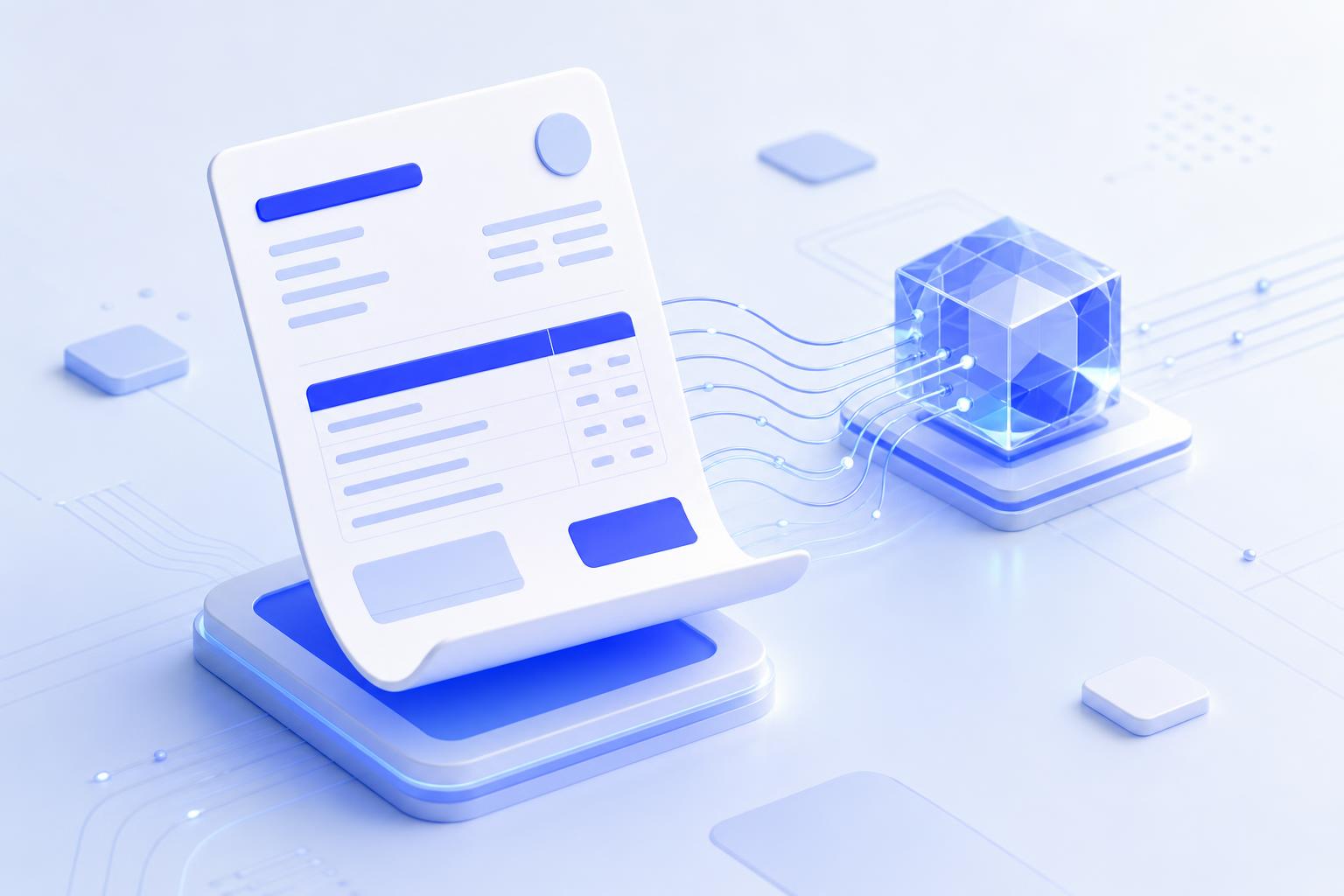
Generative AI reads documents the way a person does: it understands context, language, and intent rather than positions on a page. That makes it suitable for the complete flow from incoming email to a validated order or invoice in the ERP, without templates.
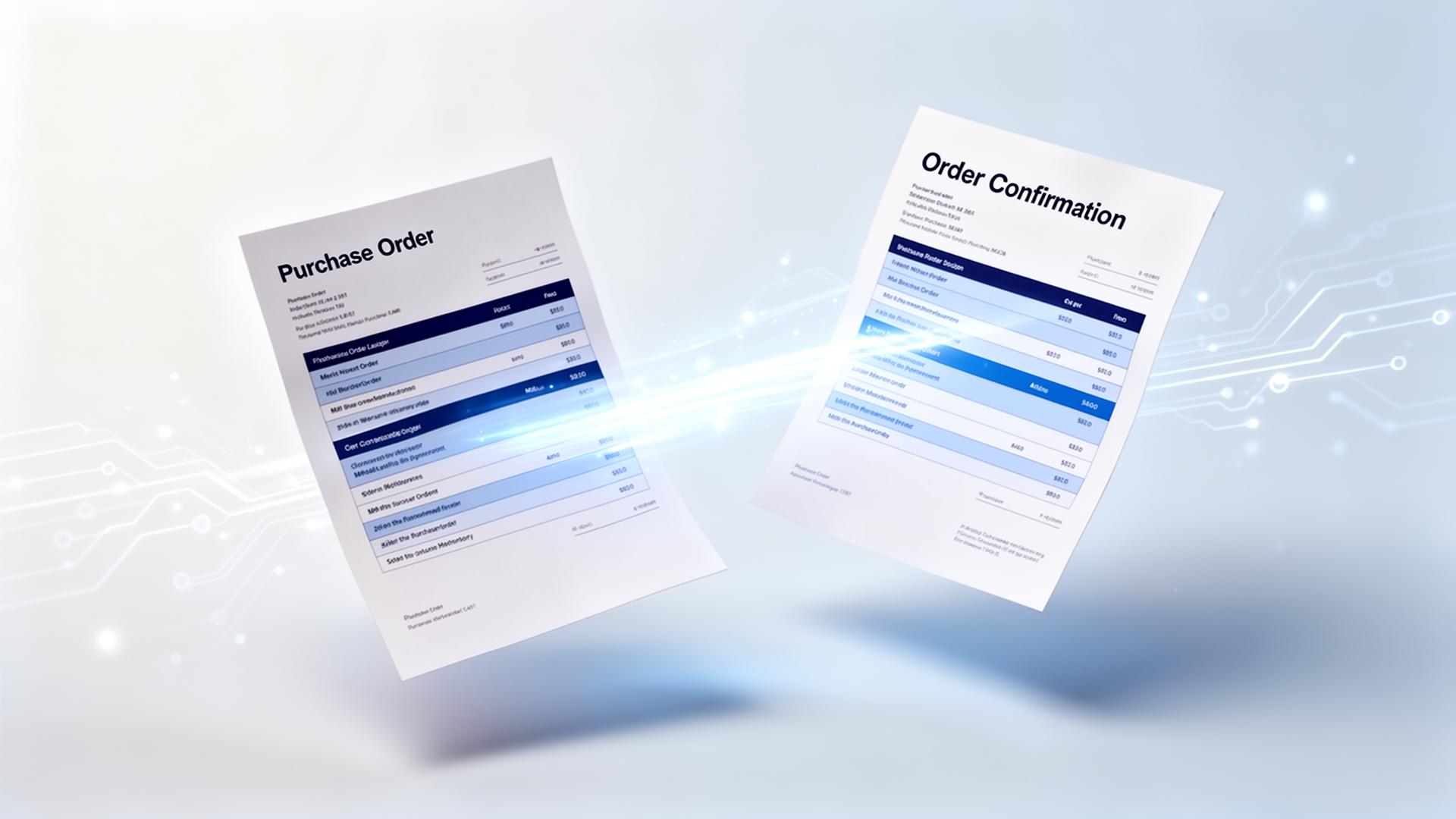
ENTR is an example of this category. The platform reads incoming orders, order confirmations, and invoices, matches line items against your article and customer data with fuzzy matching, and flags deviations such as prices that do not match the purchase order. Corrections are remembered per sender, so an employee only has to fix something once. Business rules are set in plain language instead of code.
The practical difference with OCR and IDP shows up in the first-time-right percentage: because the AI understands context and learns per sender, far fewer documents need manual correction.
Comparison: which tool fits which situation
| Aspect | OCR / templates | Generative AI (e.g. ENTR) |
|---|---|---|
| New document layouts | New template per layout, manual maintenance | Understood automatically, no templates |
| Free-text order emails | Not supported | Read and interpreted like a person |
| Line-item matching with article data | Exact match only | Fuzzy matching on descriptions and history |
| Deviations and price checks | Limited to fixed rules | Business rules in plain language, automatic flags |
| Learning from corrections | No | Yes, remembered per sender |
| First-time-right percentage | Drops as layouts vary more | Significantly higher, improves over time |
What to look for when choosing
Start from your documents, not from the tool. Ask yourself three questions:
- How much do layouts vary? A few fixed layouts can work with templates. Dozens of varying customers and suppliers cannot.
- How much checking do you want to keep? Look at the first-time-right percentage a vendor realistically achieves on your documents, and ask what happens with the exceptions.
- Does it connect to your ERP? The tool only saves time if validated data lands directly in Exact, SAP, Business Central, or whichever system you run.
Also ask how the tool handles corrections. If every correction is a one-off, your team keeps doing the same manual work next week. Tools that learn per sender structurally reduce the workload.
What does it deliver in practice
Companies that move from manual entry to generative AI automation typically report 70 to 90 percent less time spent on order and invoice processing. The bigger win is quality: fewer typing errors means fewer wrong deliveries, fewer credit notes, and fewer discussions with customers and suppliers.
Just as important: your team shifts from typing to checking. The AI does the boring work, a person validates the exceptions. That makes the work more enjoyable and the process more reliable at the same time.
Conclusion
Copy-paste work in order and invoice entry is no longer a fact of life. OCR and templates suit stable, high-volume flows with fixed layouts. IDP handles more variation. Generative AI is the best fit when your documents are diverse, your line items need matching against your own data, and you want a high first-time-right percentage without building templates. Start with a pilot on one document flow, measure how much manual work disappears, and scale from there.