

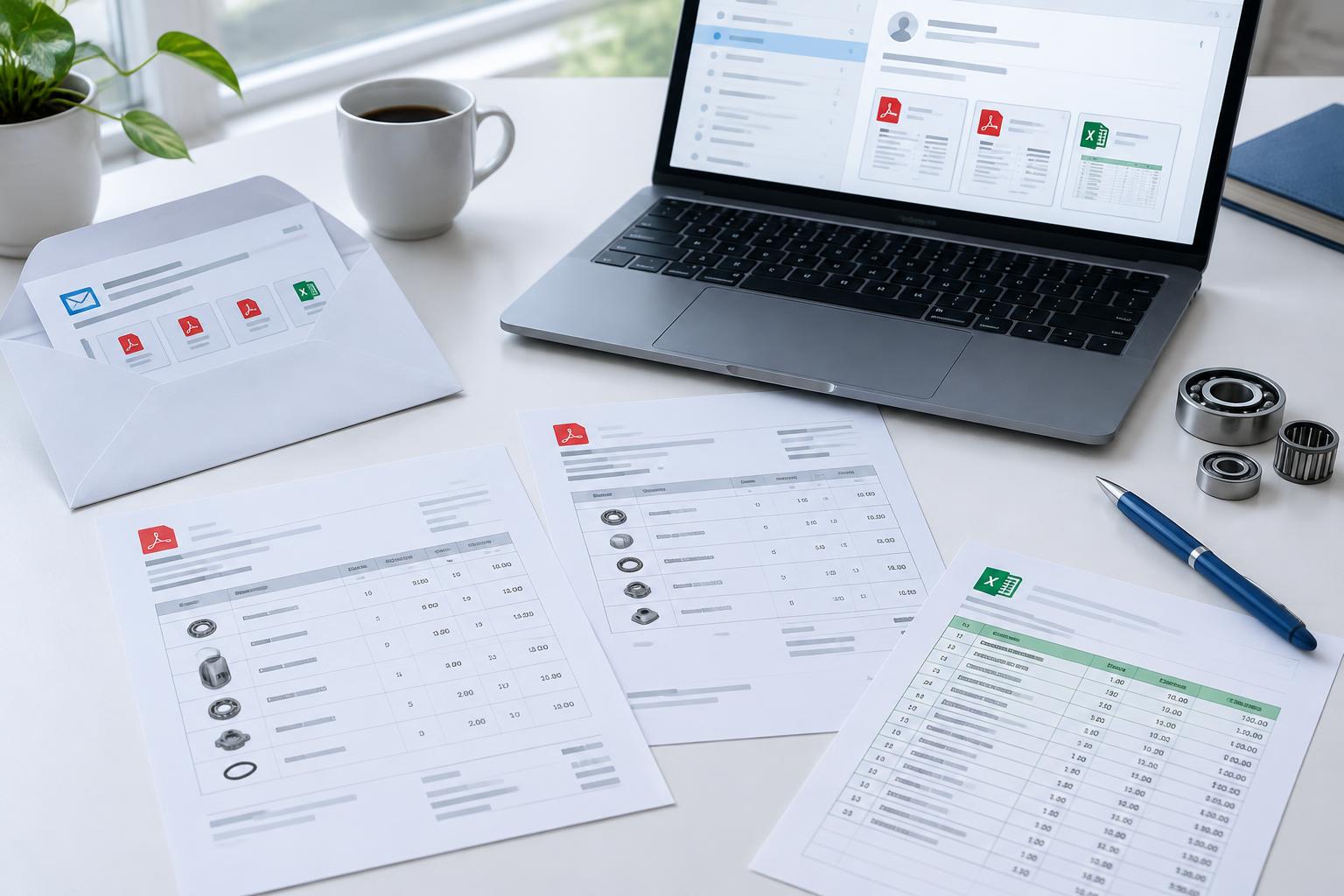
AI does not turn email, PDF and Excel orders into ERP records through extraction alone. The complete flow includes receiving the request, understanding documents, matching customers and items, checking rules and transferring the result. An API can support that transfer, but it is not the only option. ENTR’s Smurfit Westrock case describes XML integration with a custom ERP that had no available API.
What information must the request provide?
An ERP-ready order needs the correct customer, delivery address, reference, items, quantities and units. Email text can amend an attachment, for example by changing the delivery address. Define which source takes precedence when the two disagree.
How do you preserve the email context?
Assess the email and its attachments as one request. A spreadsheet may contain several tabs; a PDF may be a price list rather than an order. Include those examples in testing. A readable file is not necessarily a valid sales order.
| Step | Extraction alone | Configured order flow |
|---|---|---|
| Receive | Upload an isolated attachment | Assess message and documents together |
| Classify | Recognize text | Distinguish orders from other documents |
| Match | Return a description | Connect to the item master |
| Validate | Display populated fields | Check units and configured rules |
| Transfer | Copy the result | Use a tested ERP integration |
Is an API required?
It depends on the ERP. Investigate supported APIs, file imports or other controlled integration routes. The Smurfit Westrock case describes an XML connection to a custom ERP with no available API. That proves an API is not always necessary, not that every legacy system can use the same approach.
How should duplicates and incomplete requests be handled?
Define behavior for forwarded emails, repeated attachments and revisions. Verify the ERP response: sending a request is not evidence of successful posting. Treat these as acceptance criteria and ask to see a repeated order and an order without a delivery address during the demonstration.
Which examples should sales support test?
Bring a normal PDF, an unusual spreadsheet and a free-text email. Add a contradiction between email and attachment. Check that the solution produces the correct data, exposes uncertainty and demonstrably returns the result through your ERP. Do not test only ideal documents.
Where do you start?
Map the mailbox, formats and existing ERP import route. Start with a bounded flow and expand after validating the transfer and controls. First establish which tasks AI can take over for sales support. The aim is to keep your team available for customers rather than copying data.