
Yes, you can automate order entry into Business Central without templates per customer. ENTR reads incoming orders from email, PDF and Excel, matches customer and items against the data in Business Central, and prepares or posts the order. Your inside sales team only sees the orders that do not match.
Why does order entry in Business Central take so much time?
Business Central is popular with wholesalers and manufacturers, but orders arriving by email or PDF do not get in by themselves. Someone opens the email, looks up the customer, adds items line by line and checks prices. With many small orders a day, that adds up quickly.
Typing is rarely the problem. The time goes into figuring things out: which customer is this, which item do they mean, is the price right and is the delivery date feasible. That is exactly the work to automate.
How does automated order entry into Business Central work?
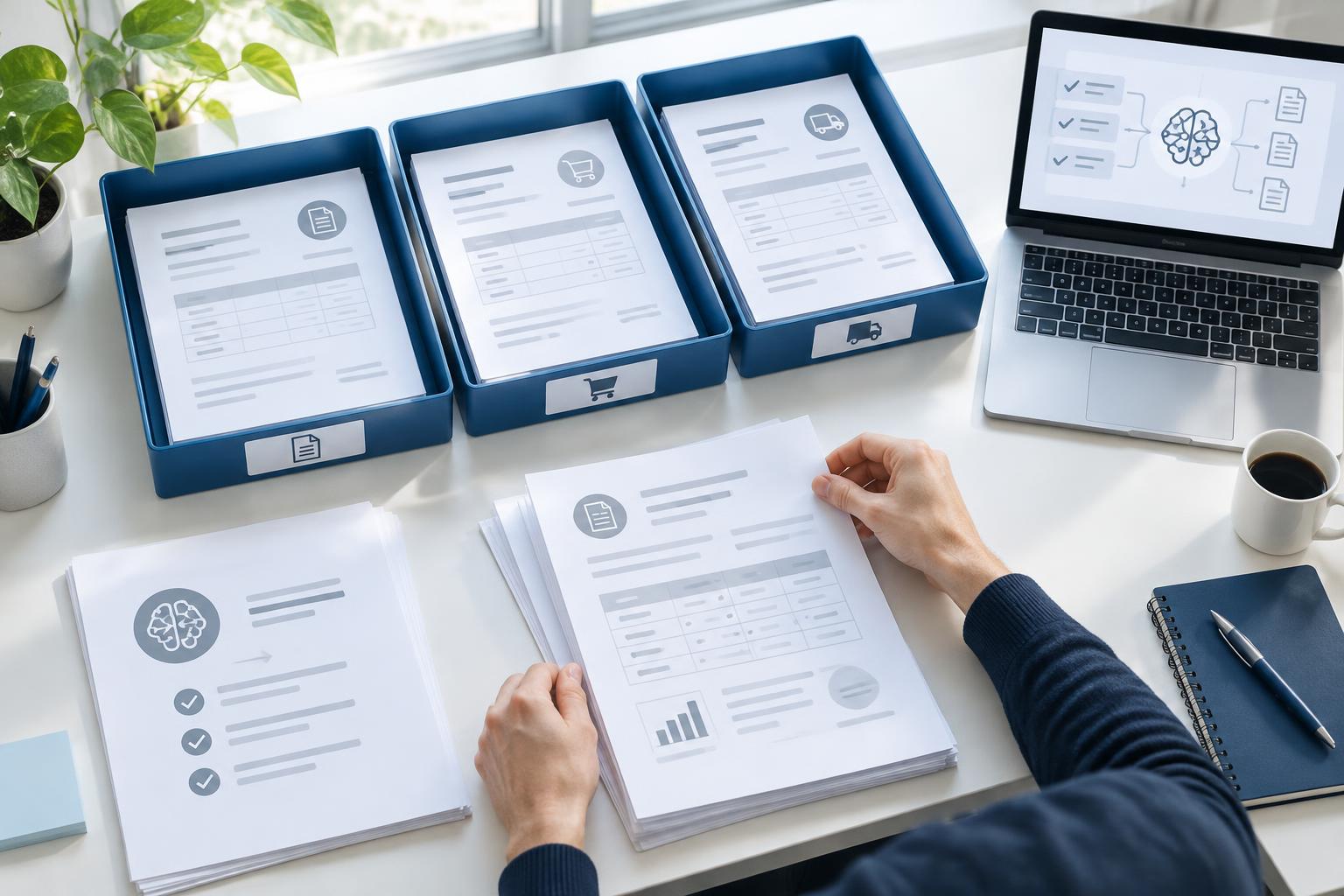
- Receive. Orders arrive in a shared mailbox, as an attachment or in the email body.
- Read. Generative AI reads the document the way a colleague does, without fixed templates per customer.
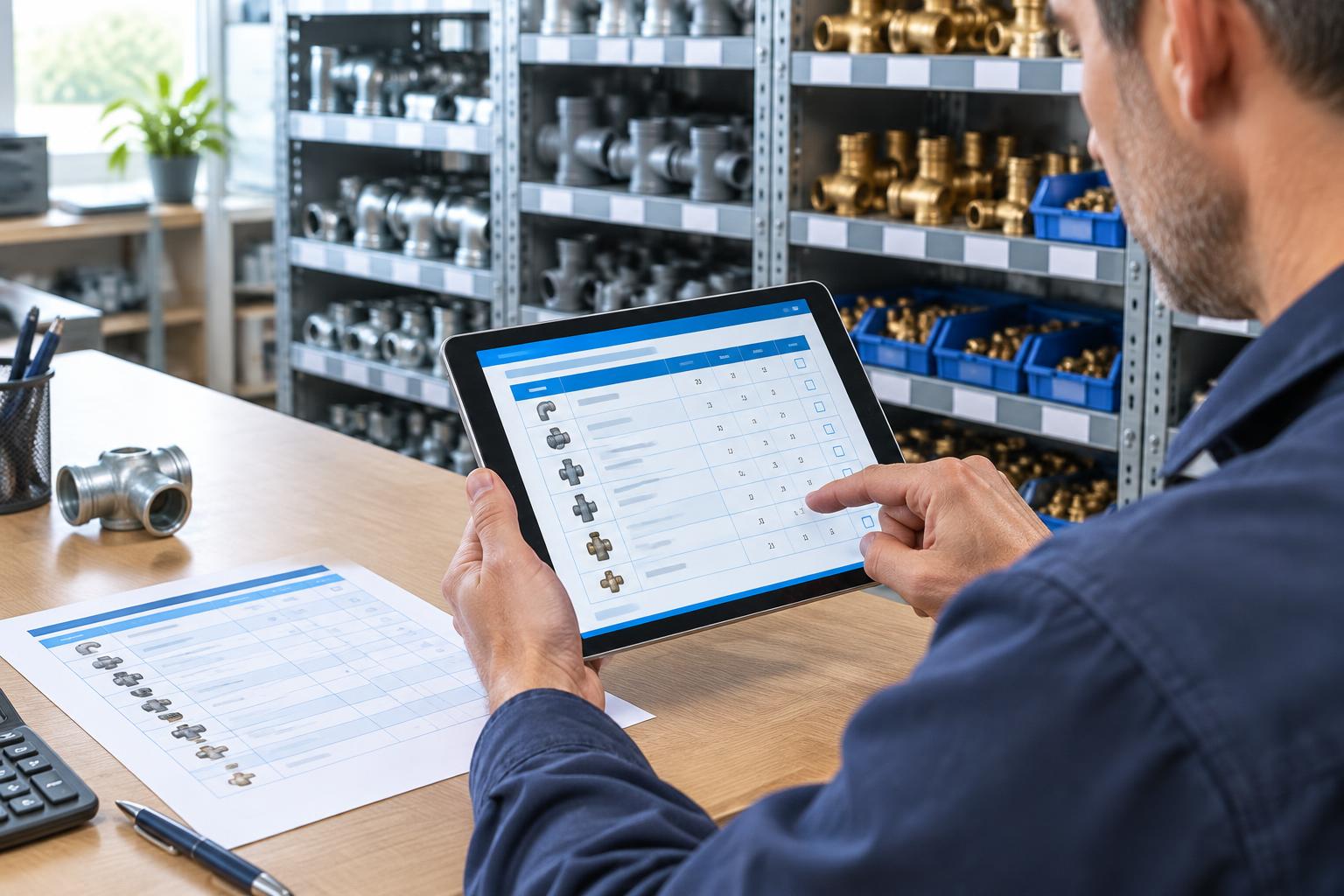
- Match. Customer, delivery address and items are looked up in the master data from Business Central, even when the customer uses their own description.
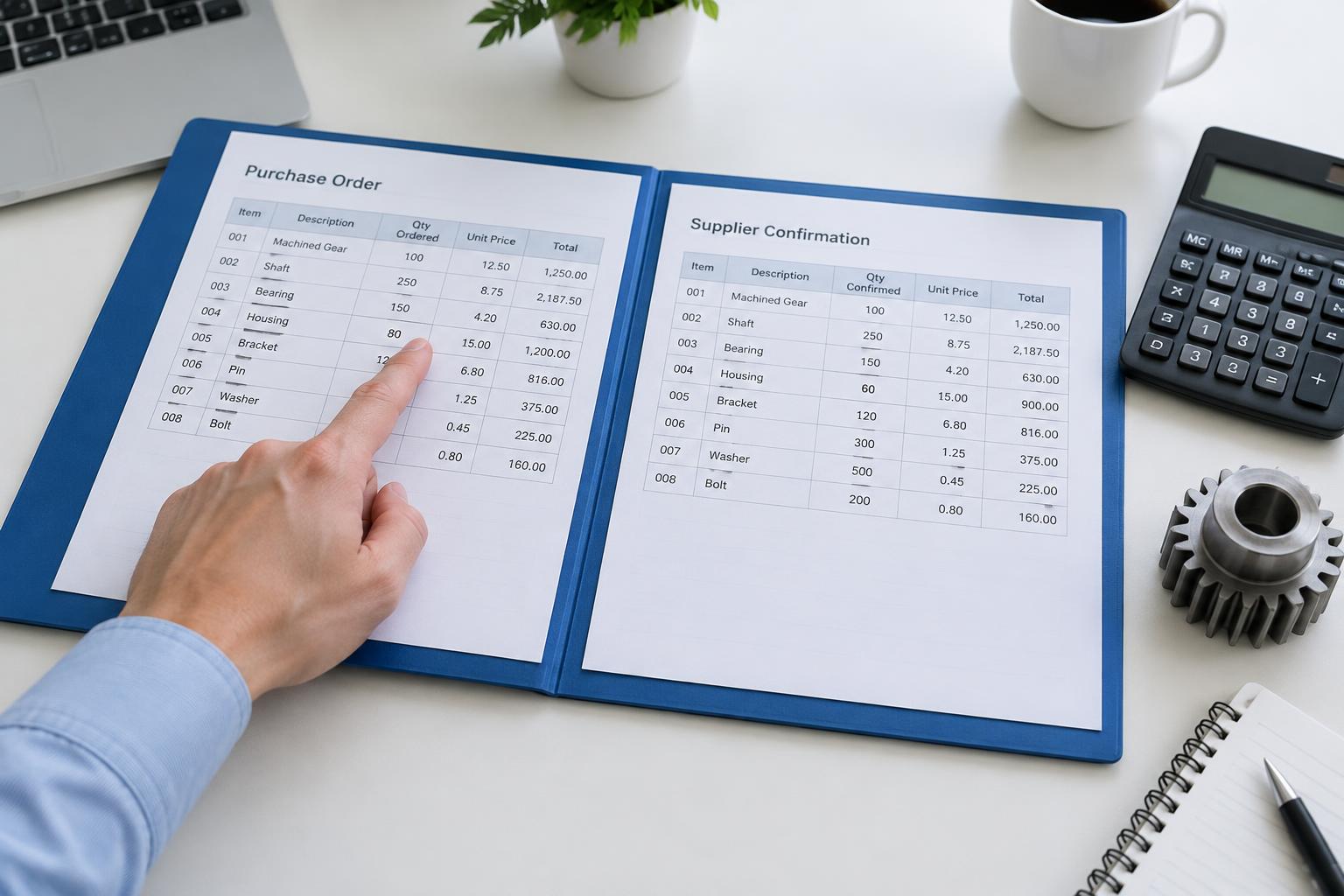
- Check. Agreements per customer, such as minimum quantities or fixed prices, are written in plain language and checked on every order.
- Hand over. The checked order lands as a sales order in Business Central. Exceptions go to a colleague with an explanation of what does not match.
| Step | Manual or OCR | ENTR |
|---|---|---|
| New customer layout | New template or manual work | Read directly, no template |
| Customer's own item description | Look it up in the system | Matched to the item master |
| Customer agreements | From memory | Written in plain language, checked on every order |
| Processing in Business Central | Entering line by line | Sales order prepared or posted |
Which Business Central integration do you need?
Business Central is a cloud environment with standard integration options, so the technical connection is usually the smallest part of the project. Most of the work is in capturing your item master and customer agreements properly. Still on Dynamics AX or NAV and moving to Business Central? Order automation can move along with you.
Examples: Delta Wines and Jarola Groep
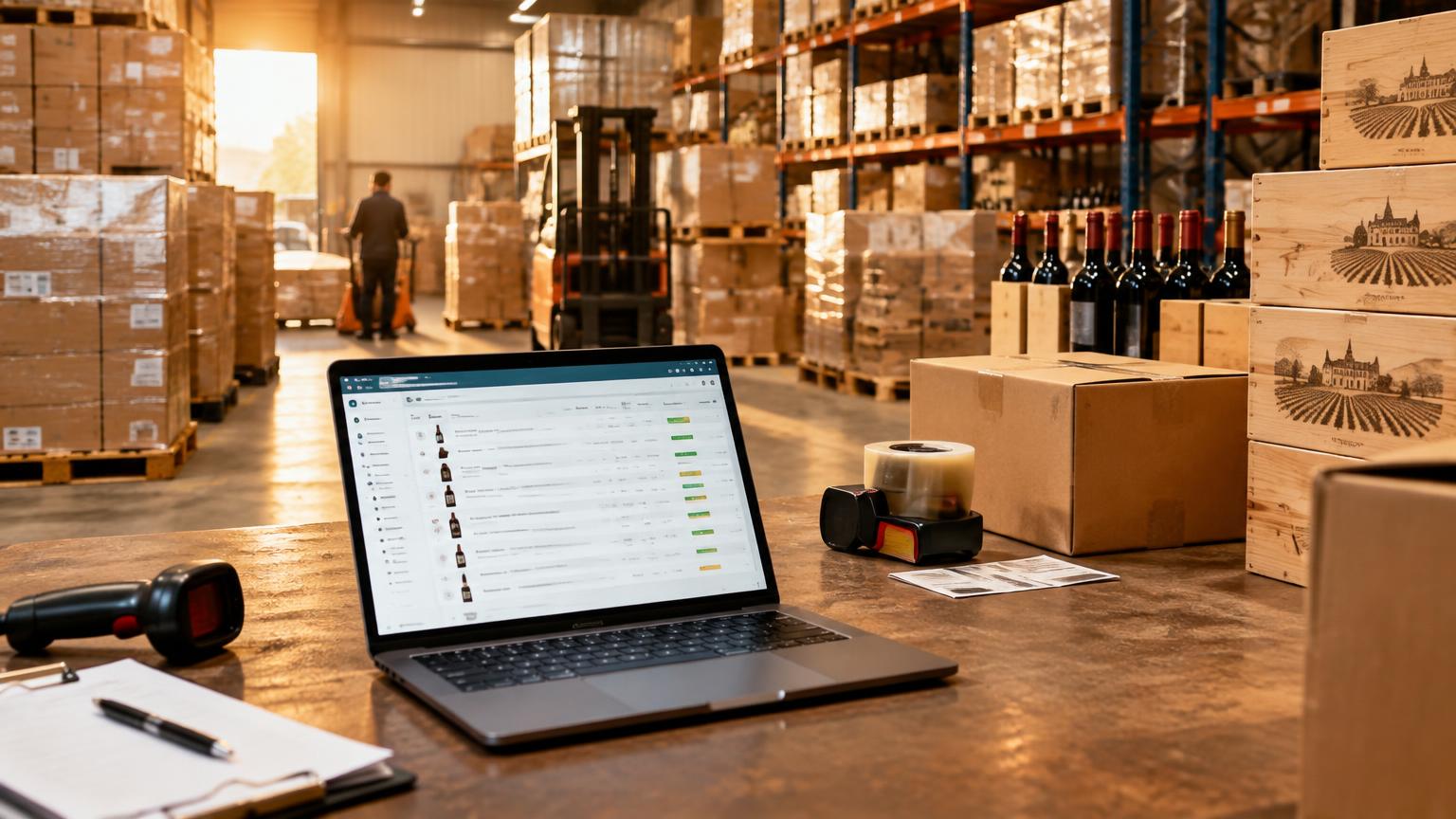
Wine wholesaler Delta Wines runs Business Central and now processes 80% of sales orders automatically, saving about 8 minutes per order. Read the Delta Wines case. Technical wholesaler Jarola Groep handles more than 30,000 orders a year next to EDI, went live in 2.5 weeks and is moving from Dynamics AX to Business Central. Read the Jarola case.
How do you start?
Start with one order flow, for example the orders in your inside sales shared mailbox. Run in shadow mode for a few weeks: ENTR processes the orders, your team checks the result. Only when it is right do orders flow into Business Central automatically.
- How many orders arrive per day, and in which formats?
- Which customers use their own item numbers or descriptions?
- Which checks does your team now do from memory?
- Should the order land in Business Central as a draft or as a confirmed order?
Want to see what this looks like for your Business Central environment? Book a demo or read more about automated order processing.