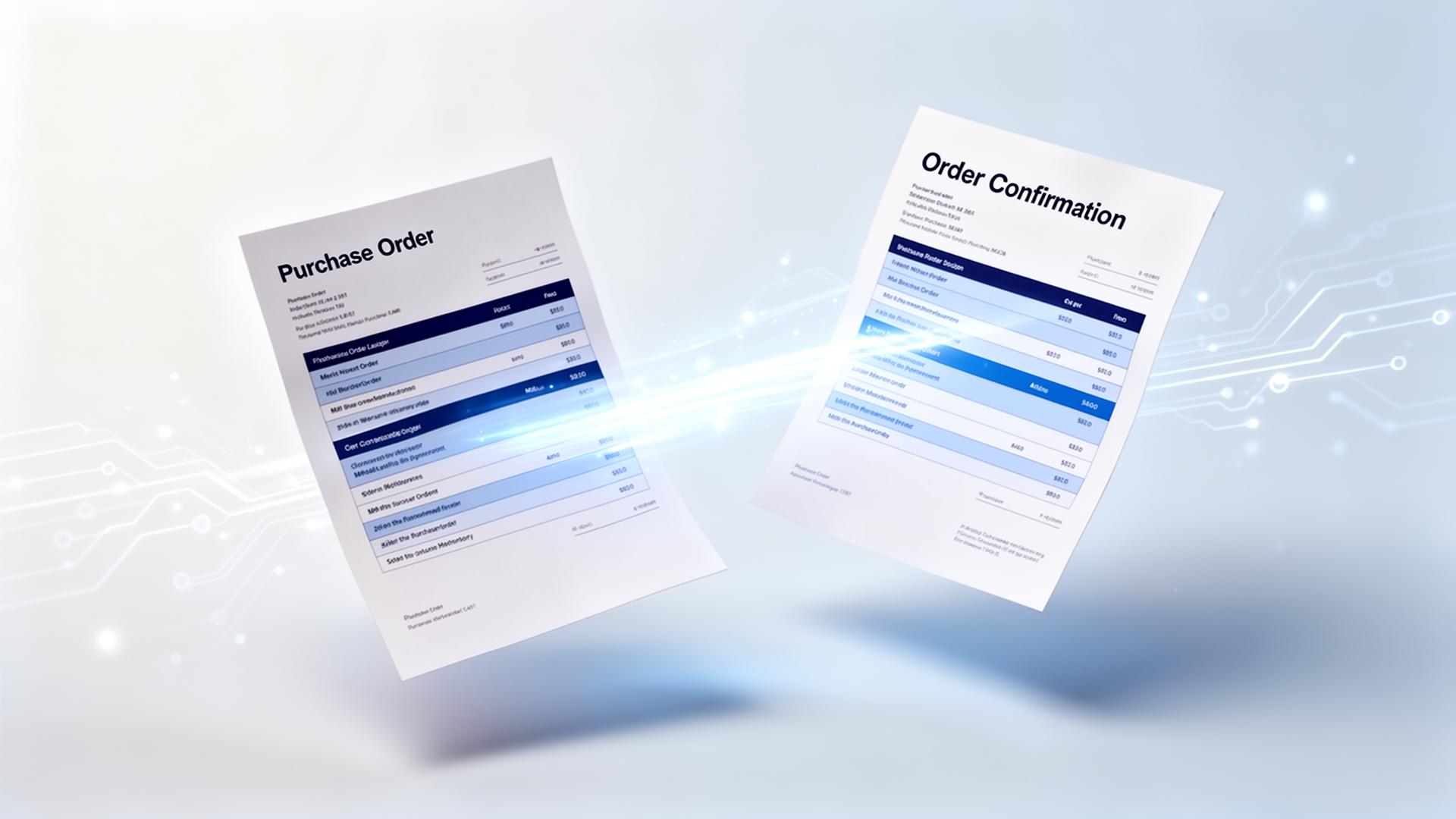


Short answer: use an AI platform that connects to your order mailbox, reads every email and attachment without templates, matches the customer and each order line against your ERP data, and offers the finished order for one click approval. For manufacturers and wholesalers this typically removes 70 to 90 percent of the manual typing.
Why email orders are so hard to automate
Customers order the way they like: a PDF from their own system, an Excel file, a photo, or simply a few lines in the email body. Item descriptions are in their words, not yours. Classic OCR needs a fixed layout per sender and has nothing to grab on to when the order is plain text.
How AI handles an order email step by step
- Collect: ENTR reads the shared order mailbox in Outlook or Gmail and filters out non orders.
- Read: generative AI extracts customer, delivery address, dates and order lines from body and attachments.
- Match: fuzzy matching links each line to the correct item number using your item master and the customer's order history.
- Check: prices, quantities, minimum order sizes and customer specific rules are validated, and deviations are flagged.
- Approve and push: sales support checks only what is flagged and sends the order to the ERP with one click.
| Aspect | Manual / OCR | With ENTR |
|---|---|---|
| Orders in email text | Retyped by hand | Read automatically |
| New customer layout | New template or manual work | No template needed |
| Customer item descriptions | Looked up in ERP | Matched to item number |
| Errors in price or quantity | Found later, at invoicing | Flagged before entry |
| Peaks in order volume | Overtime or extra hires | Same team handles more |
| Time per order | Minutes per order | Seconds to check and approve |
What sales support keeps doing
The team stays in control. Instead of typing, they review exceptions, answer customers and improve service. Instructions per customer, such as always deliver on Tuesday or use this reference field, are written in plain language and applied automatically.
What you need to get started
- A shared mailbox where orders arrive
- Access to your item master and recent order history
- An import option in your ERP, such as Exact, SAP, MKG, Business Central or a file import
Conclusion
Email orders are not a problem of reading text but of understanding what the customer means. AI that combines reading with your own product and order data turns a typing job into a quick check.