
Short answer: there is no single best IDP tool. Enterprise platforms like ABBYY, UiPath and Rossum fit large shared service centres, scan and recognise tools like Klippa, ScanSys and WhiteVision fit invoice flows with predictable layouts, and generative AI platforms like ENTR fit companies whose orders and invoices arrive in many formats, including plain email text. The right choice depends on your document types, your ERP and how much variation you see.
What is intelligent document processing?
Intelligent document processing (IDP) reads incoming documents, extracts the relevant data and delivers it to a system such as an ERP. Where classic OCR only turns pixels into text, IDP also understands which value is the order number, the delivery date or the price per line.
The three groups of vendors in the Dutch market
1. Enterprise IDP and automation platforms
ABBYY, UiPath, Kofax (Tungsten) and Rossum offer broad platforms with many modules. They are strong for very high volumes and companies with their own automation team. The flip side is a longer implementation and more internal ownership.
2. Scan and recognise tools
Klippa, ScanSys, WhiteVision and Elvy focus largely on invoices and receipts. They work well when suppliers send standard PDF invoices and the goal is fast booking in accounting software.
3. Generative AI document platforms
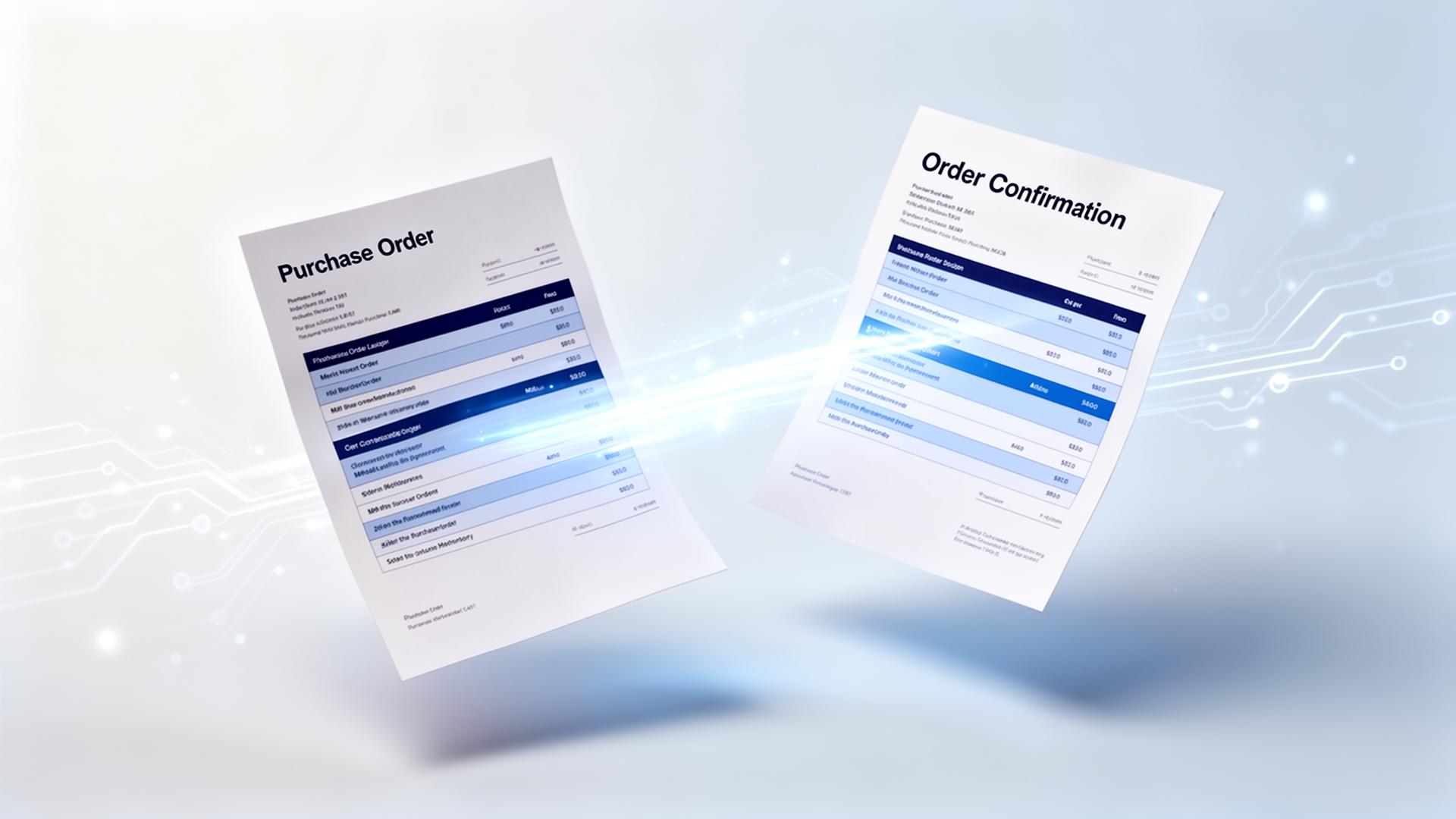
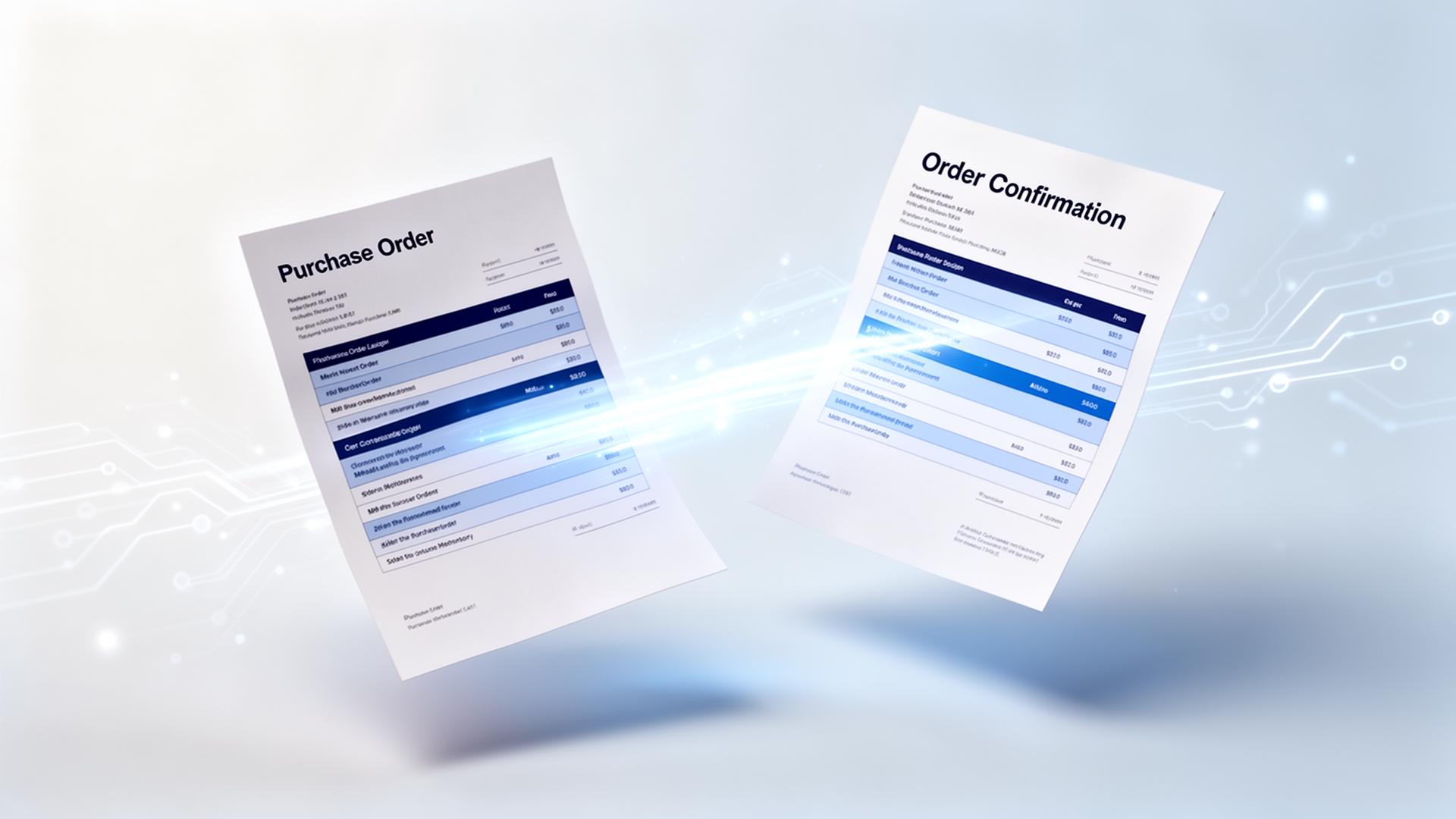
Generative AI reads a document the way a person does, without templates per sender. ENTR belongs to this group and focuses on manufacturers and wholesalers: sales orders, quotation requests, order confirmations from suppliers and purchase invoices, including matching against your own item master and order history.
| Aspect | Enterprise platform / scan tools | Generative AI (ENTR) |
|---|---|---|
| Documents with fixed layout | Works well | Works well |
| Orders in plain email text | Often not supported | Core use case |
| New sender or new layout | Template or training needed | No template needed |
| Vague item descriptions | Manual lookup | Fuzzy match on item master and history |
| Implementation time | Months for enterprise, days for simple invoice tools | Typically 4 to 6 weeks including ERP link |
| Rules per customer or supplier | Configuration by specialists | Instructions in plain language |
How to choose: five questions
- Which documents? Only invoices, or also orders, quotes and confirmations?
- How much variation? Ten suppliers with fixed PDFs or hundreds of customers who email freely?
- Which ERP? Ask for proof of a working link with Exact, SAP, MKG, Business Central or your own system.
- What does first time right mean? Ask how many documents go through without any correction, not just field accuracy.
- Who maintains it? Your IT team, the vendor, or nobody because there are no templates?
Conclusion
For standard invoices a scan and recognise tool is often enough. For very large organisations with an automation team an enterprise platform makes sense. Companies in manufacturing and wholesale with varied orders, email orders and complex order lines get the most from a generative AI platform that is linked to their ERP and learns from their own data.