
Short answer: yes. AI can create sales orders, purchase order confirmations and invoices directly in Exact Online, Exact Globe, MKG, SAP and Microsoft Dynamics 365 Business Central. ENTR reads the document, checks it against the data in your ERP and writes the approved result through the API or import route that your ERP supports.
What the AI needs from your ERP
- Master data: customers, suppliers, items and price lists, to match and validate
- Open orders: to compare order confirmations and invoices with what was ordered
- A write route: API, import file or staging table to create the order
Per ERP in short
Exact Online and Exact Globe
Exact Online has a REST API for sales orders and purchase data. Exact Globe is usually linked through its XML import or the database. Both are common in Dutch wholesale.
MKG
MKG is widely used in Dutch manufacturing. ENTR is an MKG partner and connects to sales orders and purchase data.
SAP
For SAP Business One and S/4HANA, orders are created through standard interfaces such as the Service Layer, IDocs or OData services, depending on the landscape.
Business Central
Business Central offers a standard API for sales and purchase documents, which makes the link relatively quick.
| Aspect | Manual entry | With ENTR |
|---|---|---|
| Creating the order | Typed field by field | Created automatically after approval |
| Item numbers | Looked up by hand | Matched from ERP data |
| Price check | Depends on the person | Checked against price list every time |
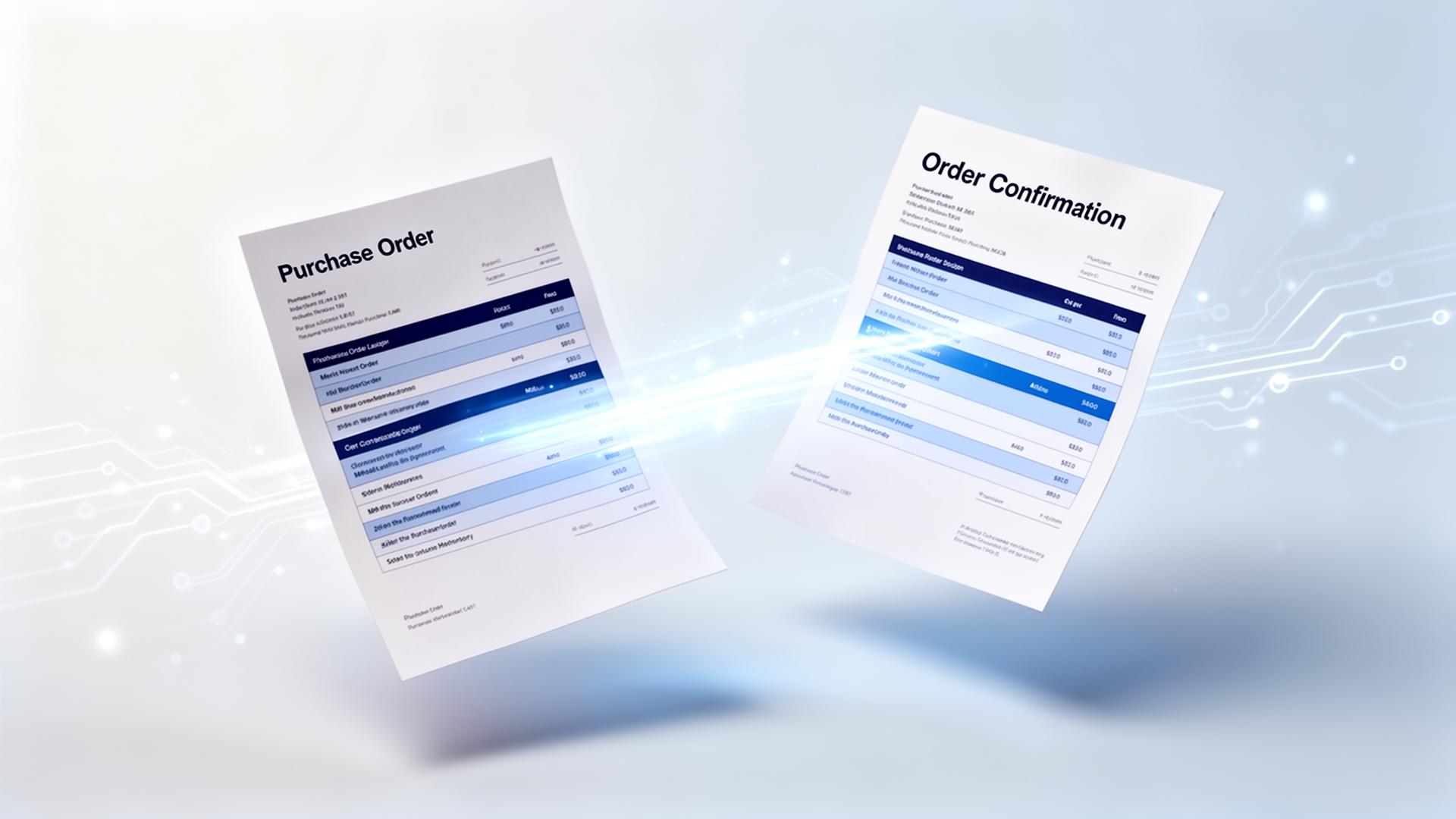
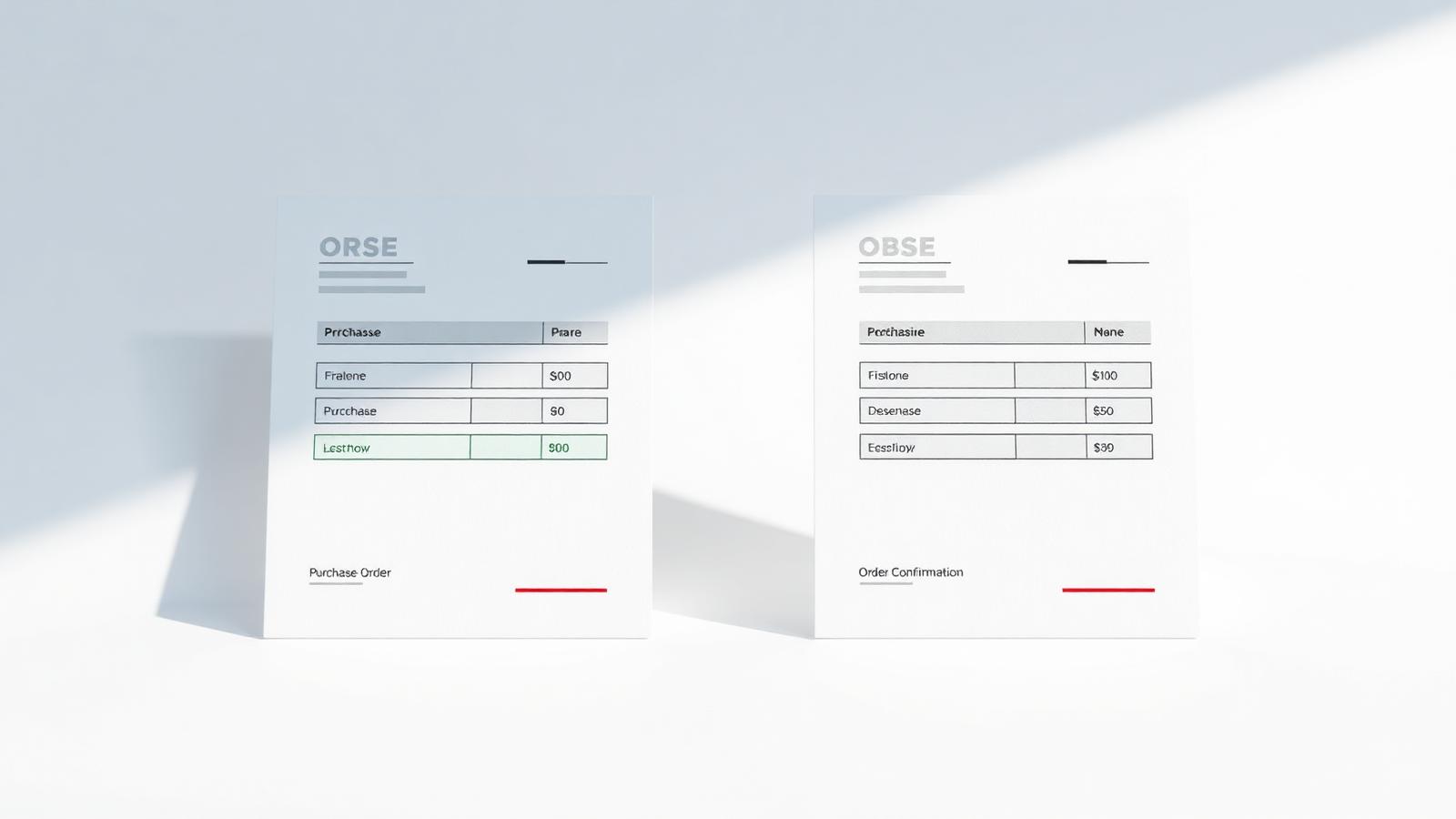
| Confirmation vs purchase order | Compared line by line by hand | Deviations flagged automatically |
| Changing ERP later | Retrain the team | Swap the connector, same process |
How a typical rollout goes
- Week 1 and 2: connect mailbox and ERP read access, load master data
- Week 3 and 4: run in parallel with the current process and tune instructions per customer
- Week 5 and 6: switch on writing to the ERP and train the team
Conclusion
The question is rarely whether your ERP can accept AI created orders, but how well the data is checked before it lands. Choose a solution that reads your ERP data, not just the document.