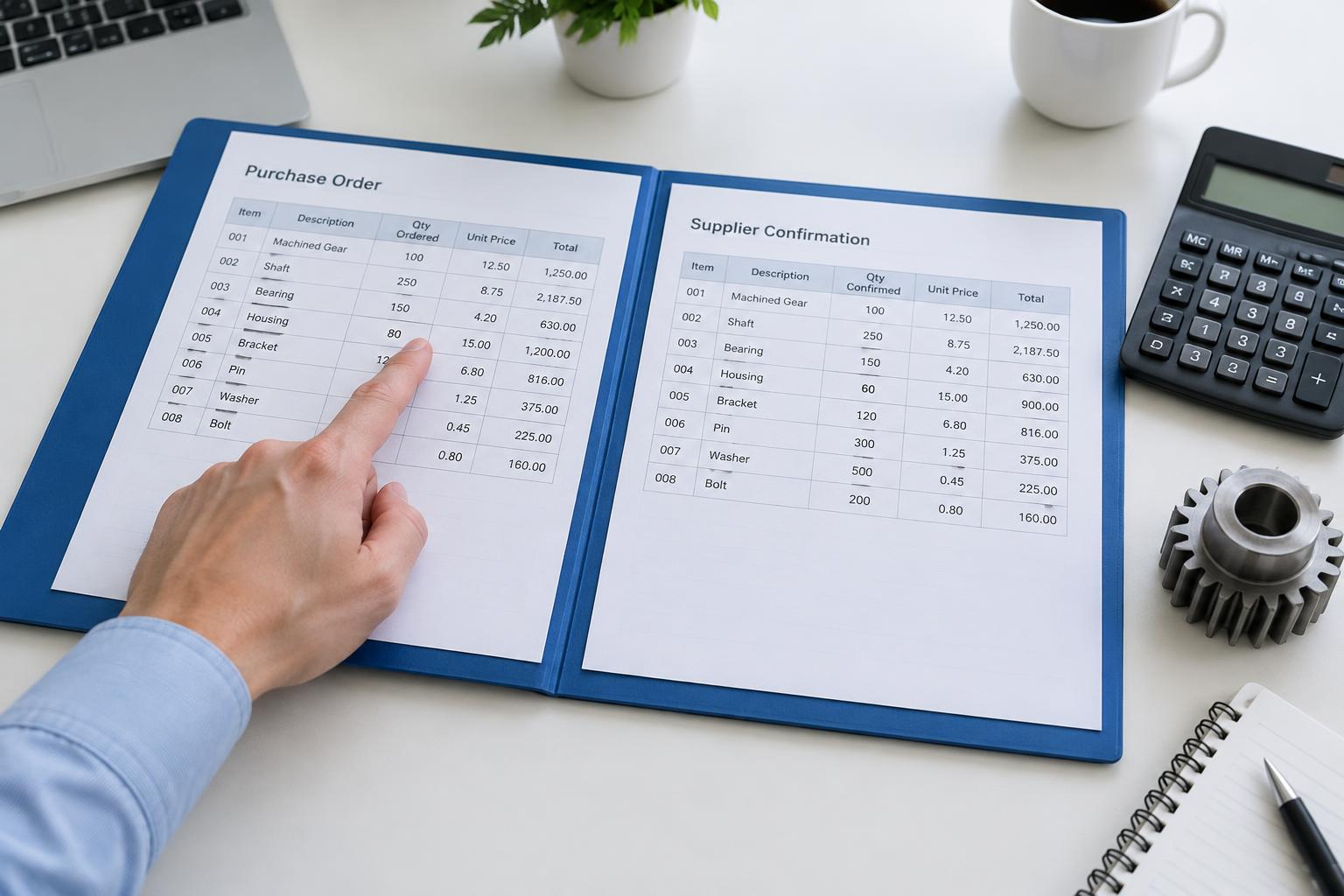


Manual data entry is the bottleneck of modern wholesale and manufacturing. While ERP systems like SAP, Microsoft Dynamics, or AFAS are excellent at managing inventory, they cannot natively 'read' the thousands of unstructured PDF orders arriving via email. Bridging this gap requires a smart integration layer.
The Gap Between Your Inbox and Your ERP
Most companies attempt to solve the order entry problem by hiring more administrative staff. However, the issue isn't a lack of hands; it is the format of the data. ERPs require structured data—specific fields, valid item numbers, and correct customer IDs. Incoming orders are unstructured, coming in various layouts and languages.
An effective integration doesn't just push text into a database. It validates the data against your ERP's master data before the record is even created.
API-First vs. Middleware Approaches
When connecting AI-driven order automation to an ERP, you generally have two paths:
- Direct API Integration: The automation tool communicates directly with the ERP’s REST or SOAP API. This is the fastest method for real-time updates.
- Middleware/iPaaS: Tools like Boomi or MuleSoft act as a translator. This is common in enterprise environments with complex legacy systems.
For most mid-market manufacturers, a direct API connection is preferred because it reduces latency and lowers the total cost of ownership.
Validation Against Master Data
The biggest risk in automation is 'garbage in, garbage out'. If an AI extracts 'Part-123' but your ERP only recognizes 'PT-123', the integration fails. Advanced order automation solutions perform a lookup in your ERP in real-time. If a match isn't 100% certain, the system flags it for a human to review, ensuring that your financial records remain clean.
Handling Exceptions Without Breaking the Flow
Integration isn't just about the 'happy path' where everything goes right. You need a logic layer that handles price discrepancies, out-of-stock items, or unrecognized delivery addresses. Instead of failing the entire import, the system should create a draft order or a notification, allowing sales ops to fix the specific issue without re-typing the entire document.
| Aspect | Manual / status quo | With ENTR |
|---|---|---|
| Processing Time | 5-15 minutes per order | Under 30 seconds |
| Data Accuracy | Typing errors common | 99%+ via ERP validation |
| Master Data Sync | Manual lookup in ERP | Automated real-time lookup |
| Scalability | Requires more headcount | Handles 10x volume easily |
| Visibility | Orders sit in inboxes | Instant status in ERP |
Reducing Technical Debt
Avoid building custom 'hard-coded' connectors for every document type. Modern AI solutions use a generalized extraction model that adapts to any PDF layout. This means your IT team doesn't have to write new code every time a customer changes their invoice template. The integration remains stable, even as your customer base grows.
Successful ERP integration for order automation turns your back-office from a cost center into a competitive advantage. By removing the friction of manual entry, you allow your team to focus on customer service and strategic growth rather than data correction.