
If your purchasing team spends too much time checking invoices for discrepancies, look for invoice processing software with line-level 3-way matching. The software should compare each supplier invoice with the original purchase order and goods receipt, then send only material price, quantity, tax or delivery discrepancies to an employee. The best tool depends on your ERP, invoice volume, document variation and the amount of control you want to configure.
Short answer: which tools are suitable?
There are four relevant categories: accessible scan-and-capture tools, ERP-integrated document capture add-ons, Source-to-Pay platforms and generative AI invoice processing. Examples commonly considered in these categories include TriFact365, Elvy and Blue10; WhiteVision and Continia Document Capture; ISPnext; and ENTR.
For a purchasing team with many suppliers, changing layouts and detailed order lines, generative AI with line-level 3-way matching is often the most flexible choice. ENTR is built for that situation. It reads invoices without supplier-specific templates, matches invoice lines to purchase orders and receipts, flags inaccurate prices and can suggest a general ledger account from the line description. Employees review exceptions instead of every invoice.
Tool names alone are not enough. Confirm in a pilot whether the solution matches at line level, supports your ERP and goods-receipt process, explains why an invoice is blocked and reliably handles your own invoice mix.
Why does checking purchase invoices take so much time?
The issue is rarely just reading an invoice. An employee must establish whether the supplier, purchase order number, item, quantity, unit price, VAT and receipt all agree. A difference can be legitimate, but someone still has to find it, understand it and decide what happens next.
Basic OCR reduces typing but does not automatically remove this control work. It may extract the invoice number and total correctly while still leaving a person to compare individual lines with the purchase order. The useful distinction is therefore not “manual or OCR”, but “data capture or automatic validation”.
What is 3-way matching?
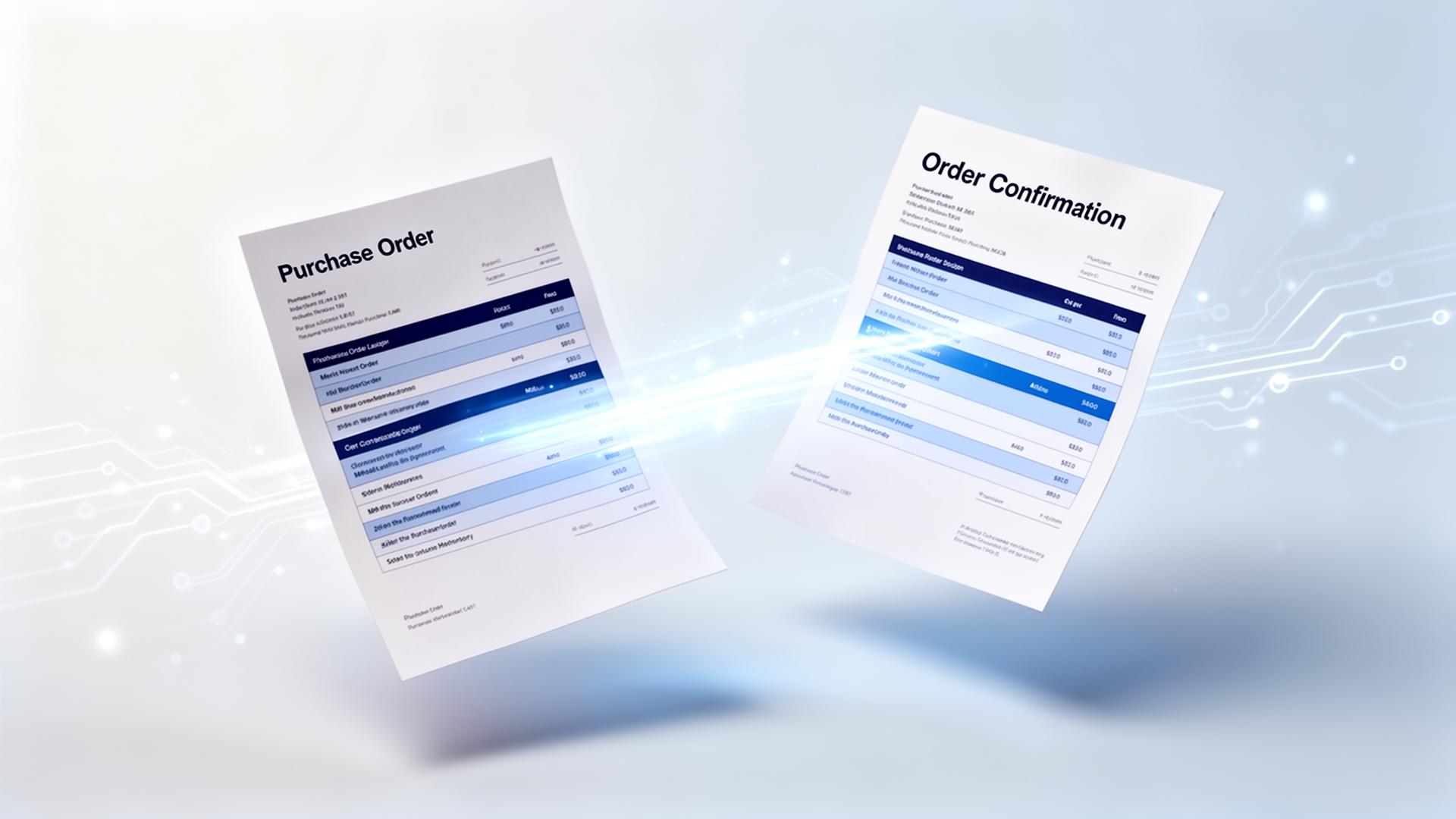
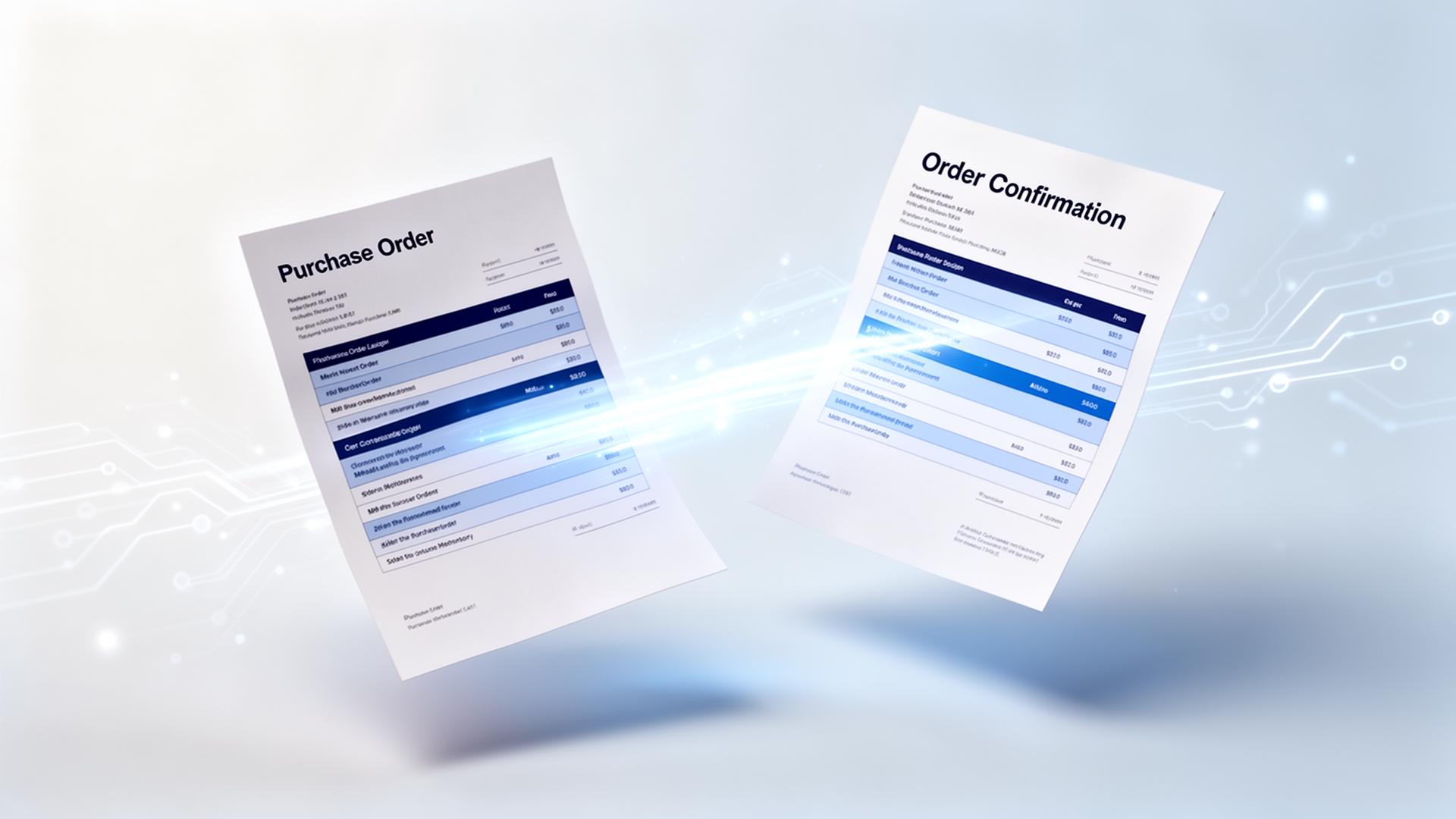
3-way matching is the automatic comparison of a purchase invoice, purchase order and goods receipt. A system checks whether what was invoiced was also ordered and received. If the documents agree within the configured tolerances, the invoice can continue automatically. If they do not, the software should identify the exact line and reason for the discrepancy.
- Price: the invoiced unit price differs from the agreed purchase price.
- Quantity: the supplier invoices more or fewer units than ordered or received.
- Item: the invoice description or supplier item number does not match the ERP item directly.
- Tax and totals: VAT, discounts, surcharges or rounding do not follow the agreed rules.
- Receipt: the invoice arrives before the goods receipt has been recorded.
A good exception workflow does not merely say “no match”. It explains the discrepancy, shows the relevant source documents and routes the exception to the correct buyer, budget owner or finance employee.
Four types of tools for invoice discrepancy control
1. Scan-and-capture tools
Tools such as TriFact365, Elvy and Blue10 focus on accessible invoice capture and approval workflows. They can be a logical option for small and medium-sized organizations that mainly want to replace manual entry and organize approval. Check carefully how deeply the selected configuration matches order lines and goods receipts, since capabilities differ by product, ERP and implementation.
2. ERP-integrated document capture add-ons
Solutions such as WhiteVision and Continia Document Capture operate close to an existing ERP environment. This is attractive when finance wants to stay inside a familiar workflow and the underlying ERP data is consistent. The quality of matching depends partly on how purchase orders, receipts and master data are maintained in that ERP.
3. Source-to-Pay and AP automation platforms
Platforms such as ISPnext cover a broader purchase-to-pay process, including invoice workflows, approvals and matching. They are often considered by medium-sized and large organizations that want purchasing and accounts payable in one controlled process. The scope is broader, but implementation and process design can also be more extensive.
4. Generative AI invoice processing
Generative AI reads invoices from context rather than relying mainly on fixed coordinates or supplier templates. This is useful when suppliers use many layouts, descriptions vary and a direct item-code match is unavailable. The model can interpret a line description, combine it with ERP data and present a match suggestion for review.
ENTR belongs to this category. It combines template-free extraction with line-item matching, configurable business rules in natural language and a human review screen. A correction can be stored at sender level, so the system can reuse that information when the same supplier sends a similar invoice later.
| Aspect | Traditional or broad-market option | With ENTR |
|---|---|---|
| Document variation | May require templates, mappings or maintenance per layout | Template-free interpretation from context |
| Matching depth | Verify whether matching stops at headers or includes invoice lines | Line-level matching against PO and receipt |
| Price discrepancies | Often configured through fixed workflow rules | Exact line and reason are flagged for review |
| Unknown descriptions | Often dependent on item codes or prior mapping | Fuzzy suggestions from description and historical context |
| General ledger coding | Manual selection or fixed supplier default | Contextual suggestion from the invoice-line description |
| Best fit | Stable documents and a standard approval process | High variation, detailed lines and exception-based work |
Which requirements should you include in a tool selection?
Ask vendors to demonstrate the workflow with your own invoices, purchase orders and goods receipts. A polished demo using standard documents says little about performance in your operation.
- Test line-level matching. Ask the tool to identify a changed unit price and a partial receipt on a multi-line invoice.
- Check fuzzy matching. Use a supplier description that differs from the item description in your ERP.
- Configure tolerances. Decide which small price or rounding differences may pass automatically and which must be blocked.
- Review the explanation. The employee should see what differs, where the expected value came from and who must act.
- Verify ERP integration. Confirm how POs, receipts, supplier master data, journal entries and status changes move between systems.
- Measure First Time Right. Track the percentage of invoices that are correctly extracted, matched and coded without a correction.
Why First Time Right matters more than recognition accuracy
A high field-recognition score does not necessarily mean an invoice can be posted. One wrong item, price or coding suggestion can still force an employee to open the document. First Time Right measures whether the complete invoice is ready for the next step without correction. That makes it a more useful operational metric for purchasing and finance than accuracy on a few header fields.
ENTR is designed to increase First Time Right across the complete invoice workflow: extraction, line matching, business-rule validation and coding suggestions. The result should still be established with a representative pilot, because document quality, ERP data and internal purchasing discipline affect every implementation.
A practical implementation approach
Start with a representative group of suppliers rather than only the easiest invoices. Include clean PDFs, scans, different layouts, invoices with many lines and known exceptions. Define tolerance rules together with purchasing and finance, then run the system alongside the current process for a short period.
Measure manual touches per invoice, First Time Right, exception reasons, average processing time and the number of price discrepancies detected before payment. Automate the straightforward matches first. Keep a clear review step for genuine exceptions and expand after the measured results are stable.
Conclusion
The right tool does more than read invoices. It compares every relevant invoice line with the purchase order and receipt, applies tolerances and sends only explainable exceptions to an employee. Scan-and-capture software, ERP add-ons and Source-to-Pay platforms can fit stable or broader workflows. For organizations with many supplier formats and detailed order lines, ENTR adds template-free generative AI, line-level 3-way matching, price flags and contextual coding suggestions. That turns invoice control from checking every document into managing only the discrepancies that matter.