
Manual data entry is the primary bottleneck for growing wholesalers and manufacturers. While ERP systems are powerful for resource planning, they often remain isolated from the stream of incoming PDFs, emails, and Excel files, requiring employees to act as human bridges between customers and software.
The Problem with Disconnected ERP Systems
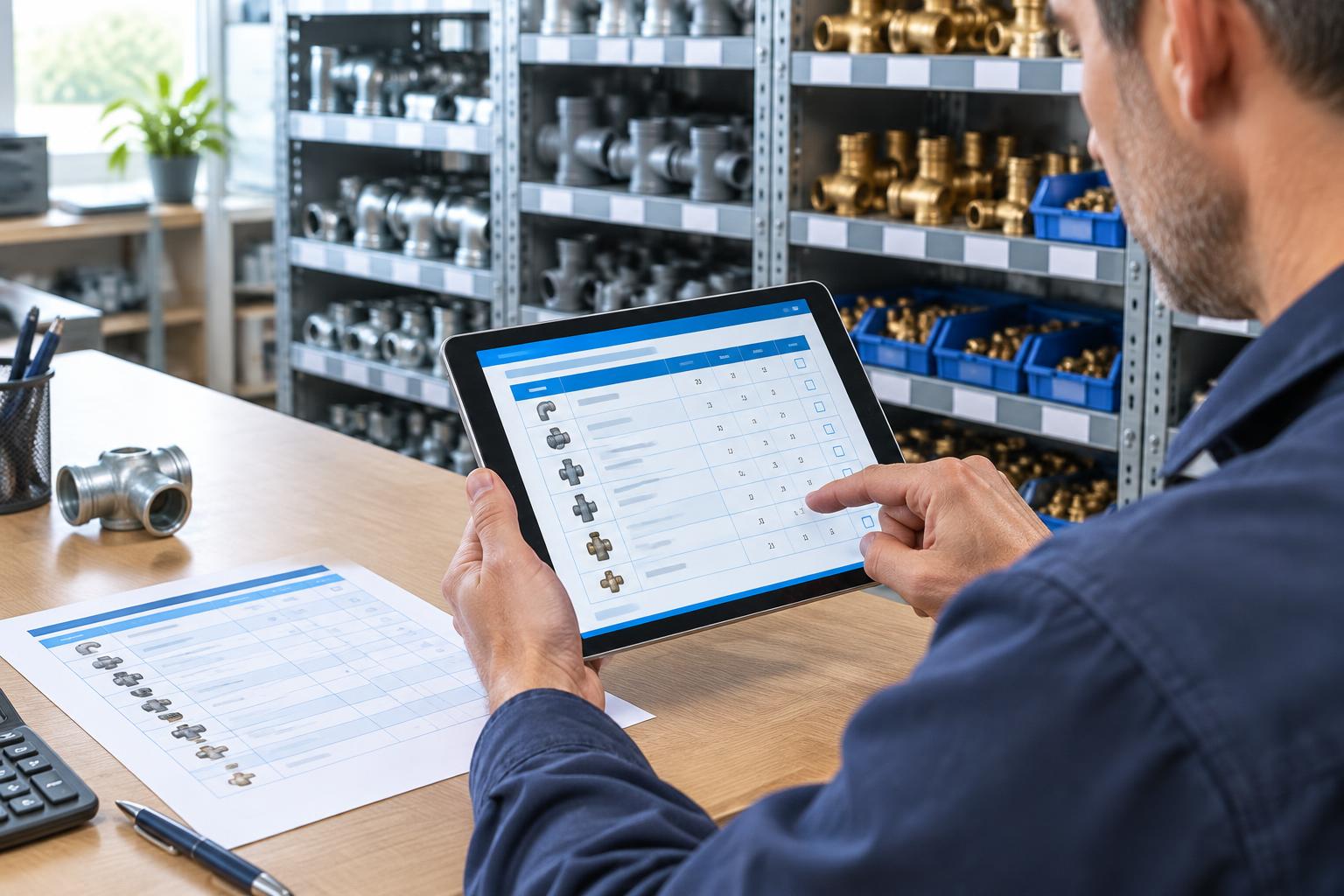
Most companies use their ERP as a system of record, but the data entry remains a manual chore. When a purchase order arrives as a PDF, a sales representative must read the document, find the correct customer in the ERP, match SKU numbers, and manually type in quantities and prices. This process is not only slow but prone to typos that lead to incorrect shipments and costly returns.
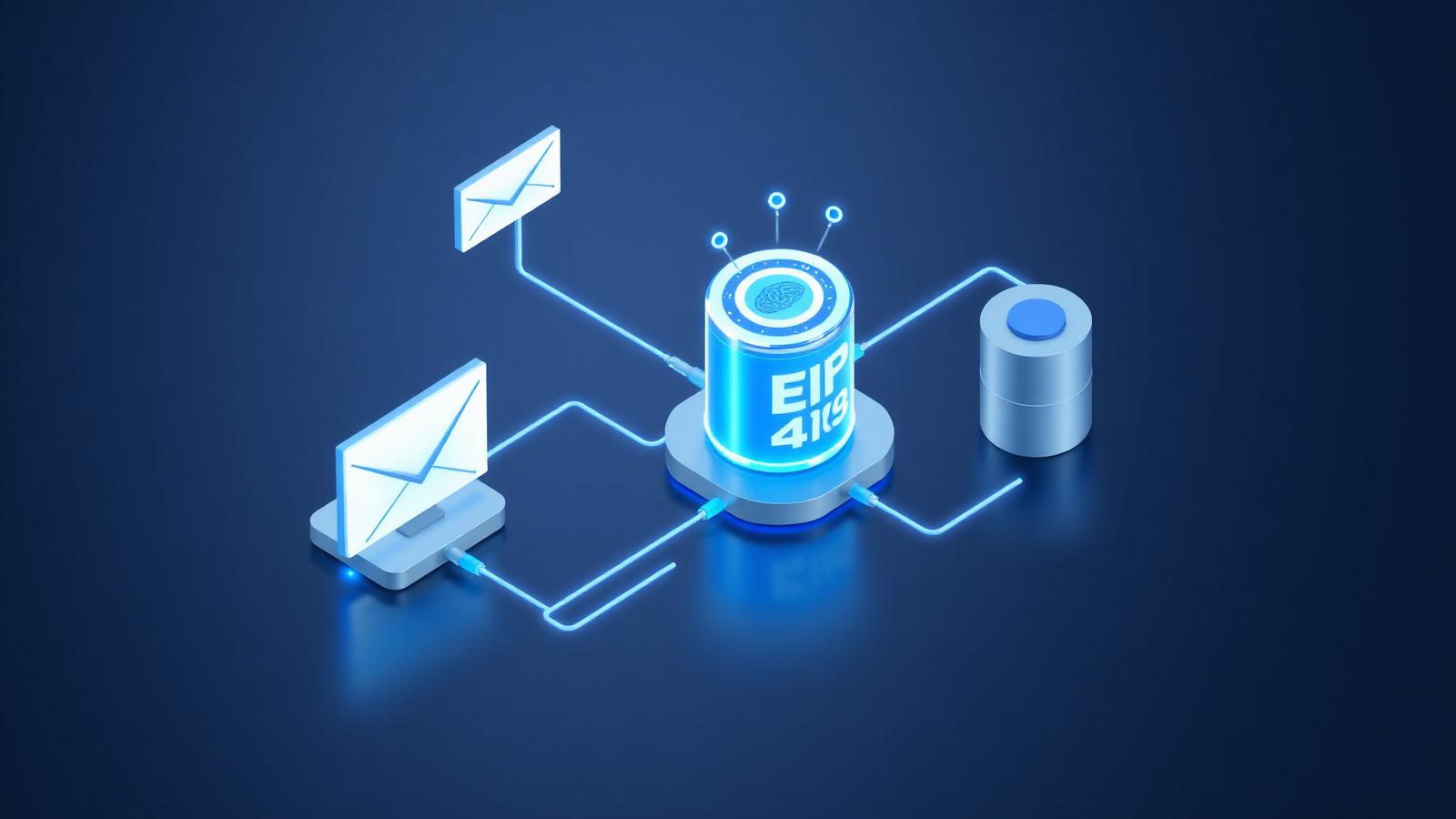
ERP integration for order automation changes this by allowing GenAI to read incoming documents and push the data directly into the ERP via API or database connection. This eliminates the need for manual transcription entirely.
How AI-Driven Integration Works
Unlike traditional OCR (Optical Character Recognition) which relies on rigid templates, GenAI-powered automation understands the context of a document. It can identify that "Item 102-B" in an email refers to the same product as "SKU_102_Blue" in your ERP system.
- Extraction: The AI extracts header and line-item data from any document format.
- Validation: The system checks the data against your ERP master data (prices, stock levels, customer IDs).
- Posting: Once validated, the order is created automatically as a draft or confirmed sales order.
Eliminating the 'Shadow Work' of Sales Teams
Sales teams should focus on building relationships and solving complex customer problems. However, in many Dutch and European manufacturing hubs, sales desks spend up to 40% of their time on administrative tasks. By integrating automation, you remove this "shadow work," allowing the team to handle higher volumes without increasing headcount.
Maintaining Data Integrity
One of the biggest fears regarding automation is losing control over data quality. Modern integration layers act as a filter. If a price on a customer's PO does not match the price listed in the ERP, the system flags it for human review rather than blindly processing an incorrect order. This hybrid approach ensures 100% accuracy while still automating the vast majority of transactions.
| Aspect | Manual / status quo | With ENTR |
|---|---|---|
| Processing Time | 5-15 minutes per order | Under 30 seconds |
| Data Accuracy | Human error risk (approx. 2-4%) | 99.9% with AI validation |
| Scalability | Requires hiring more staff | Handles 10x volume instantly |
| Employee Morale | Burnout from repetitive tasks | Focus on high-value work |
| ERP Sync | Manual re-typing | Direct API/Database push |
Reducing Lead Times and Improving Customer Service
Speed is a competitive advantage. When an order is processed within seconds of being received, the warehouse can start picking and packing immediately. This reduction in lead time often results in higher customer satisfaction scores and a stronger market position, especially in industries where next-day delivery is becoming the standard.
Future-Proofing Your Operations
As supply chains become more digital, the ability to ingest and process data programmatically is no longer optional. ERP integration for order automation provides the foundation for a truly digital enterprise, where data flows seamlessly from the customer's intent to the final invoice without friction.
By connecting your existing ERP to intelligent automation, you turn a static database into a dynamic engine for growth, ensuring your operations remain lean and responsive in a competitive European market.